Your words stay yours.
No AI rewriting. Your source text is included in the export so you can check it and keep editing later.
FOR SOCIAL MEDIA MANAGERS WITH FINISHED COPY
Paste your finished English or Japanese copy. Choose a look. Review every slide and export PNGs and PDFs in one ZIP.
Try 3 slides free →1 post · up to 3 slides · TRIAL mark · no account
Tested on Mac desktop Chrome · works offline after download
No AI rewriting. Your source text is included in the export so you can check it and keep editing later.
See every slide. Text that exceeds the layout blocks export until you shorten it or split it into another slide.
The full version supports up to 10 posts with 10 slides each. Get PNGs and a separate image-based PDF per post.
SEE THE ACTUAL WORKFLOW
This recording shows real operation with sample copy. It is not a customer result or a measured time-saving claim.
The full version accepts several finished posts in one batch. This recording pastes two different posts, exports once, and opens each post’s PNGs and PDF from the ZIP. Sample copy, no measured time-saving claim.
THE THREE FIXED STYLES
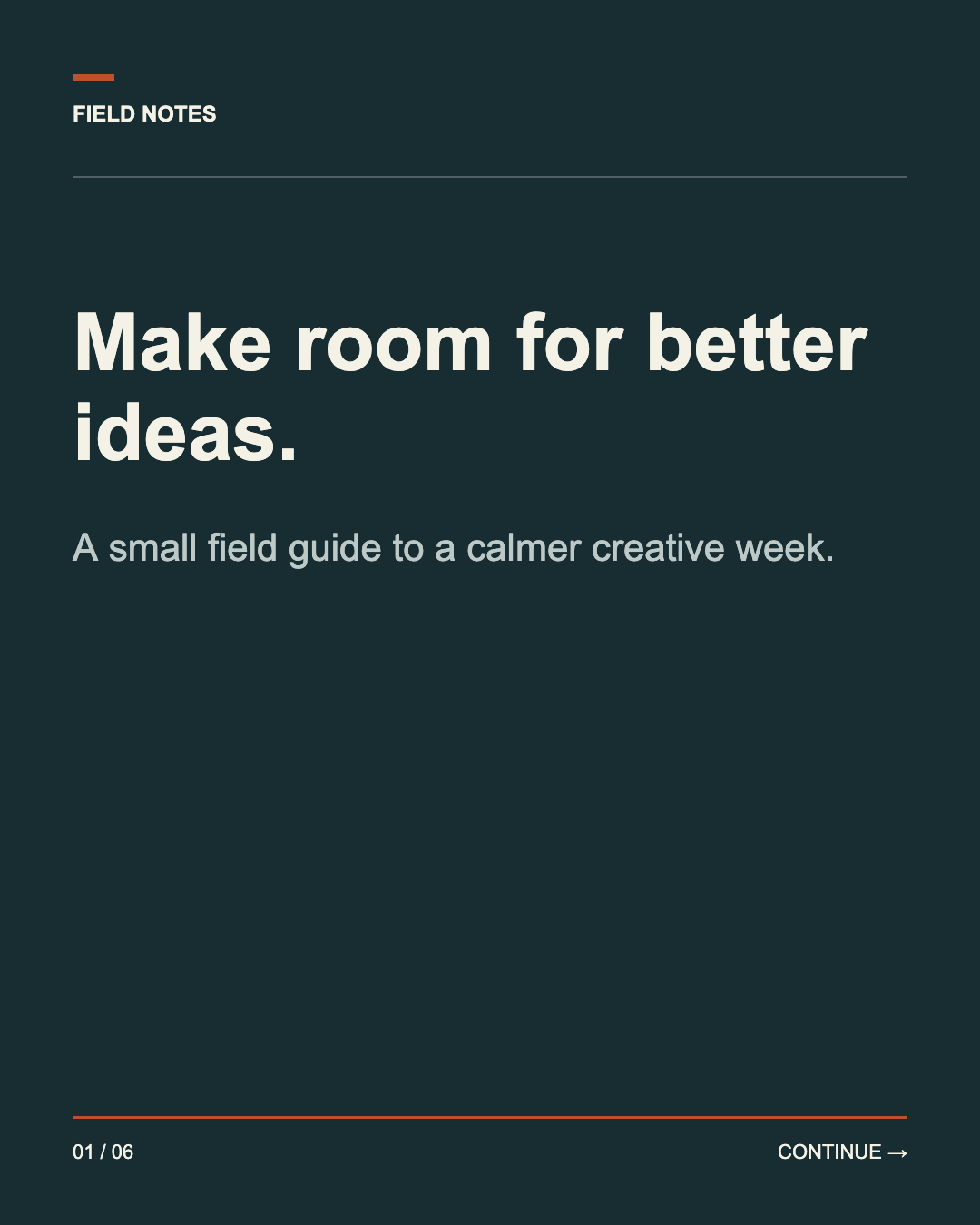
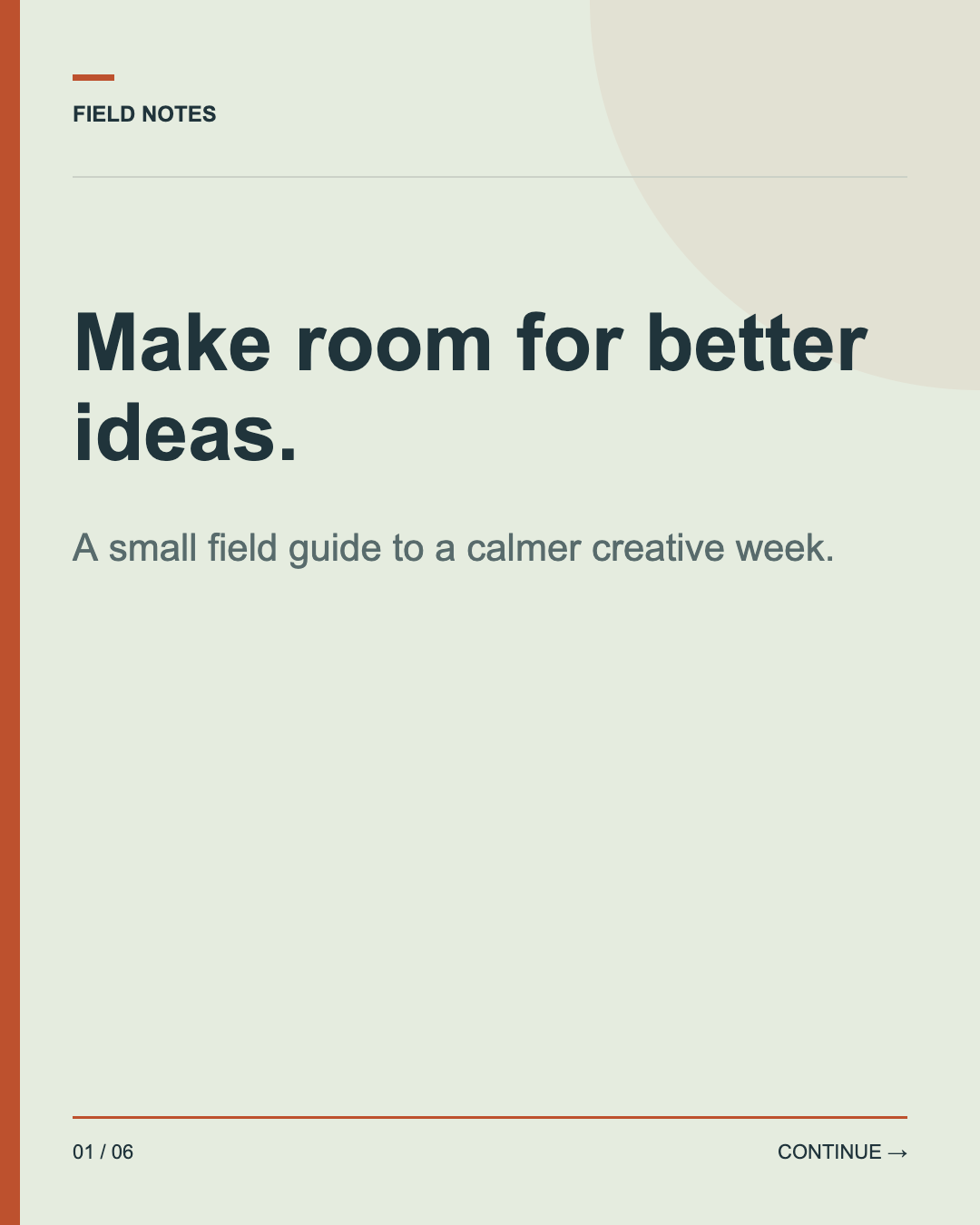
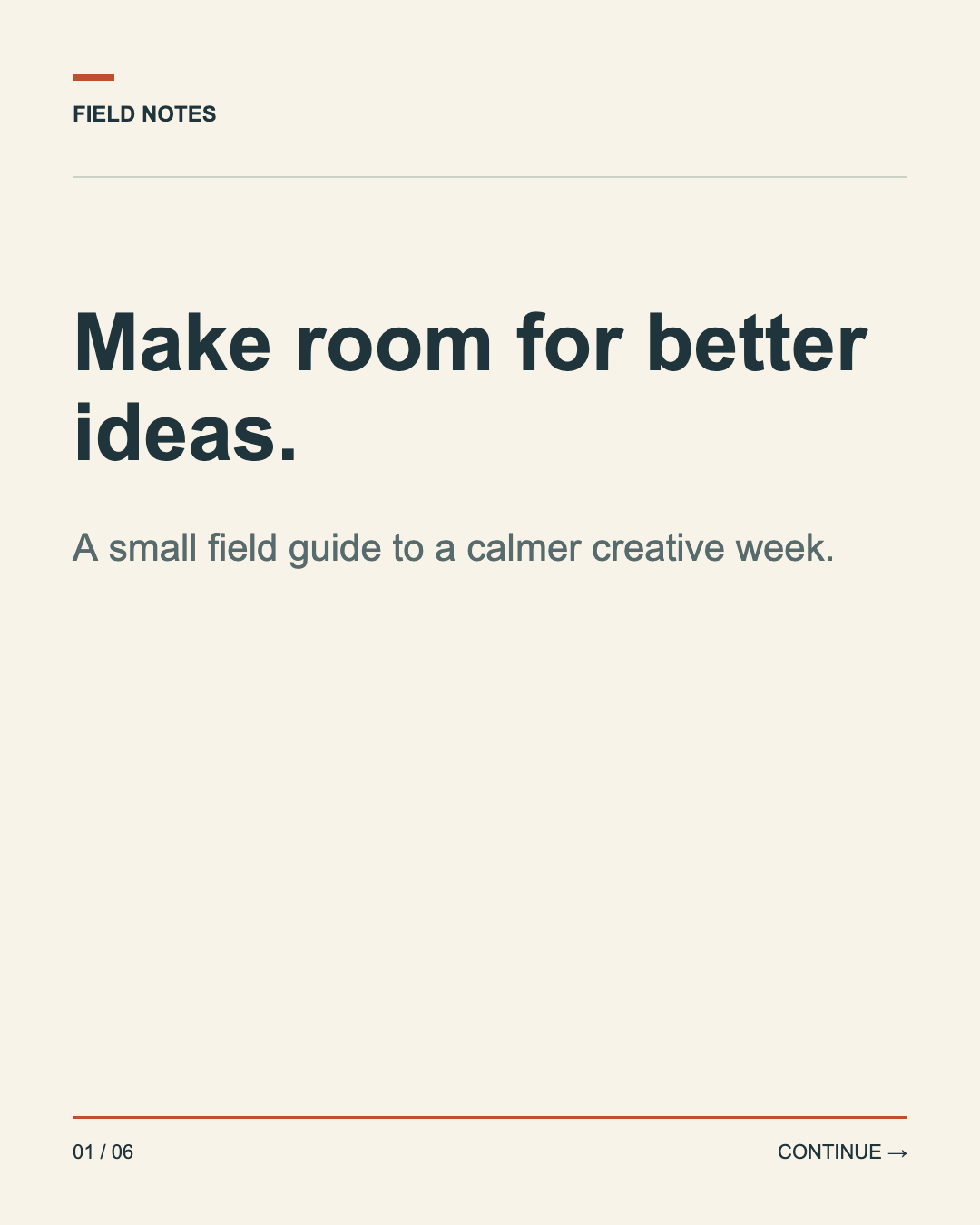
Actual exports of the sample copy. Layout positions and fonts are fixed; you change the text, brand name, accent color and logo.
Start with the sample or paste your copy. The first line is the title; the following lines are the body. Put --- on its own line between slides. Check every preview, then download your trial ZIP.
The trial exports up to 3 slides in 1 post with a visible TRIAL mark. Trial outputs are for evaluation, not client delivery. No card or account is required.
Read the quick start →PAID LICENSES — COMING LATER
Designed for one person preparing multiple posts, including client work.
Your text, one brand name, accent color and PNG/JPEG logo per batch. Choose Paper, Midnight or Studio. Layout positions and fonts are fixed. Canva template import and free object positioning are not included.
Yes, within the included font’s supported characters. English and Japanese can be mixed. Emoji and variation selectors are not supported. Unsupported characters block export and stay in your original input for correction.
No. Bring your finished copy. KotoPanels does not generate text, connect to social accounts, schedule or publish posts.
Processing happens in your browser. Save full draft downloads your editable work; Open draft restores it. There is no automatic or cloud backup. Check the quick start for the files to keep.
Tested on Mac desktop Chrome. Other browsers and phones are not verified. Exported PNGs are 1080 × 1350 pixels. PDFs contain images, not searchable or selectable text.
No measured time-saving claim is available. Try your own finished copy and compare the entire process with your current tool, including preparation, corrections and final checks.
完成原稿から、SNSのスライドを作る方へ
書き終えた英語・日本語の原稿を貼り付け、見た目を選ぶ。全枚を確認して、PNGとPDFを1つのZIPにまとめます。
3枚まで無料で試す →1投稿・3枚まで · TRIAL表示付き · 登録不要
MacのPC版Chromeで確認済み · ダウンロード後はオフラインで動作
AIによる書換えはしません。元の原稿も出力に含めるので、後から確認・再編集できます。
文字が収まらない場合は書き出しを止めます。原稿を短くするか、次のスライドに分けてから出力します。
通常版は最大10投稿 × 各10枚。PNGと投稿ごとのPDFを、1つのZIPで受け取れます。
実際の操作を見る
自作のサンプル原稿を使った実操作の録画です。顧客の実績や、時短効果の測定結果ではありません。
通常版は複数の完成原稿を1回の出力にまとめられます。この録画では、異なる2投稿を貼り付けて1回で書き出し、ZIP内の各投稿のPNGとPDFを開いています。サンプル原稿での操作で、時短効果の測定ではありません(画面は英語表示)。
固定3スタイルの実物
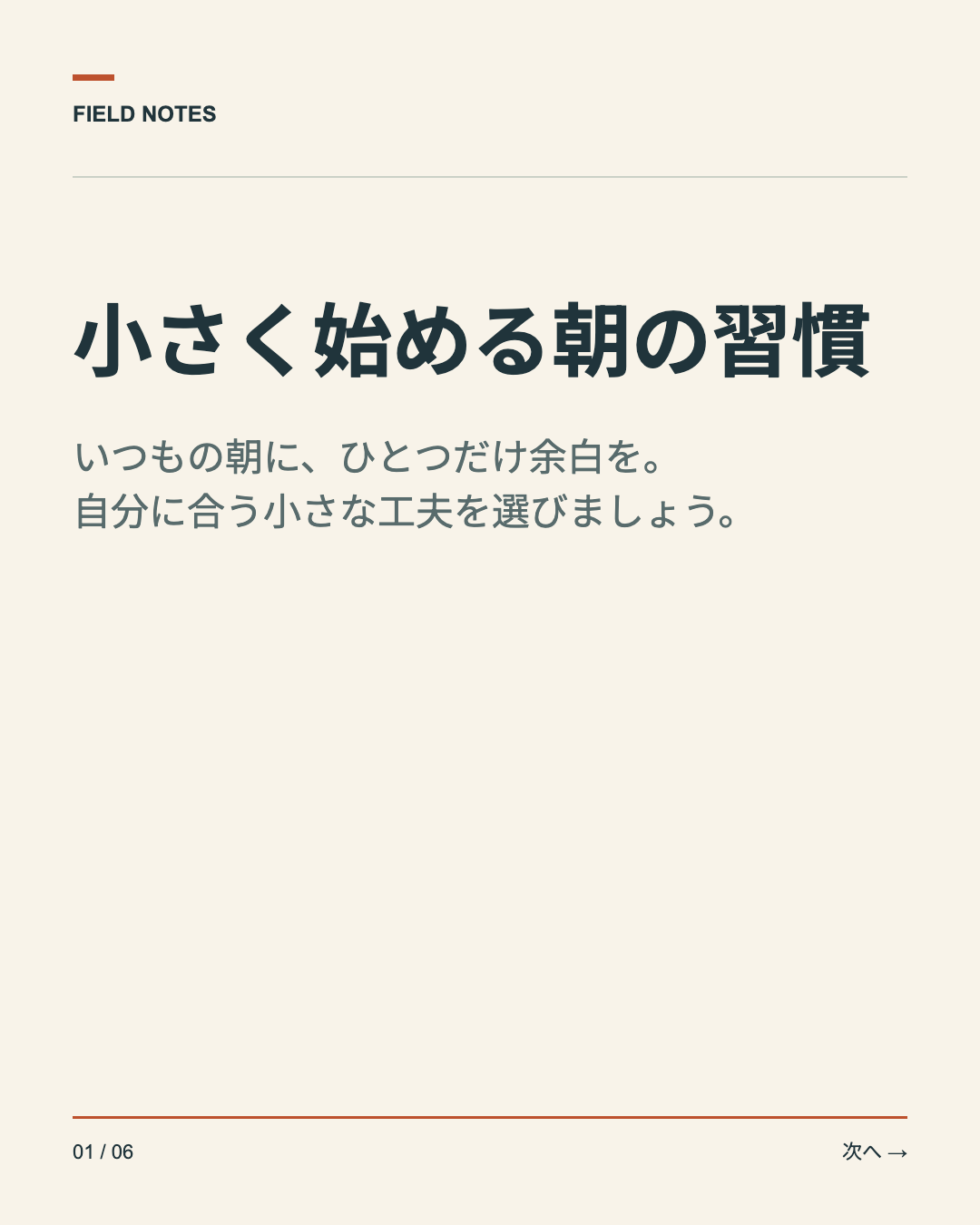
サンプル原稿の実際の出力です。配置とフォントは固定で、変更できるのは原稿・ブランド名・アクセント色・ロゴです。
サンプルを開くか、自分の原稿を貼り付けます。先頭行がタイトル、その下が本文です。スライドの間は --- だけの行で区切ります。全枚の見た目を確認してから、体験版のZIPを書き出してください。
無料体験は1投稿・3枚まで。出力にはTRIAL表示が入ります。体験版の出力は動作確認用で、クライアント納品には使えません。カードやアカウントの登録は不要です。
使い方を読む →有料ライセンスは販売準備中
1人の制作者が、自分やクライアントの投稿をまとめて作る用途を想定しています。
原稿と、1回の出力に使うブランド名・アクセント色・PNG/JPEGロゴを変更できます。Paper・Midnight・Studioの3スタイルから選べます。文字や画像の自由配置、フォント選択、Canvaテンプレートの取込はできません。
同梱フォントが対応する範囲で、日本語・英語の混在原稿を使えます。絵文字・異体字セレクタは未対応です。表示できない文字は書き出しを止め、修正できるよう入力原稿に残します。
原稿は自分で用意してください。AIによる文章生成、SNSアカウントの接続、予約投稿や公開の機能はありません。
処理はブラウザ内で行います。「下書きを保存」で再編集用ファイルをダウンロードし、「下書きを開く」で復元します。自動保存・クラウドバックアップはありません。
MacのPC版Chromeで動作確認済みです。他のブラウザ・スマートフォンは未確認です。PNGは1080 × 1350ピクセル。PDFは画像形式で、文字の検索や選択はできません。
時短効果はまだ実測していません。自分の完成原稿で試し、準備・修正・最後の確認まで含めて、今の方法と比較してください。